AI redesign
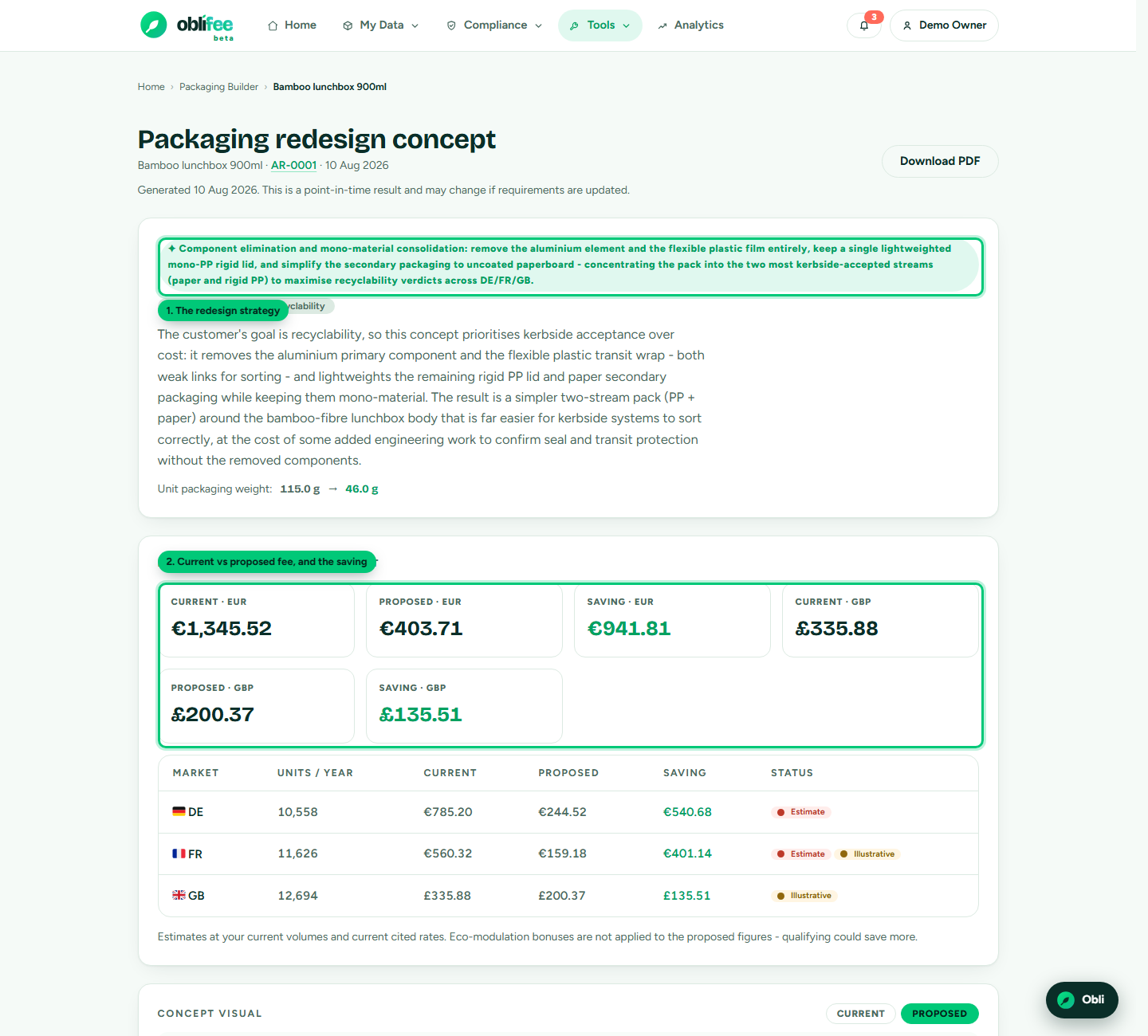
When you run the builder on an existing product, you land on the redesign concept page. It lays out the proposed packaging, the fee impact, an interactive 3D view, an optional pack visual, and everything you would need to take the concept to a converter.
Reading the concept
| Section | What it tells you |
|---|---|
| Strategy & summary | The design principle applied (for example mono-material or lightweighting) and a short description of what changes and why. |
| Unit weight | Current pack weight → proposed pack weight. |
| UK RAM | For a GB market, the recyclability rating today → proposed, and whether it improved. |
| Fee impact | Current fee, proposed fee and saving - per currency and per market, each with its confidence status. |
| Proposed build | Every component with its action (keep, change, remove, add), proposed material, target weight, construction detail and rationale. Reused components show their rotation count. |
| Kerbside criteria | The schemes' own recyclability rules the concept respects, with citations. |
| Risks & validation checklist | Honest, specific things to test - fill compatibility, closure integrity, line trials, migration testing. |
The 3D view
A current / proposed toggle renders an illustrative 3D model of the pack from the concept's geometry. It is a schematic to compare shapes and proportions, not a dimensional drawing.
The pack visual (packshot)
If you uploaded the product's real artwork when you ran the concept, you can generate an illustrative visual of the proposed pack. Oblifee edits your photograph rather than inventing a pack from a description, so what comes back is recognisably your product with the proposed change applied.
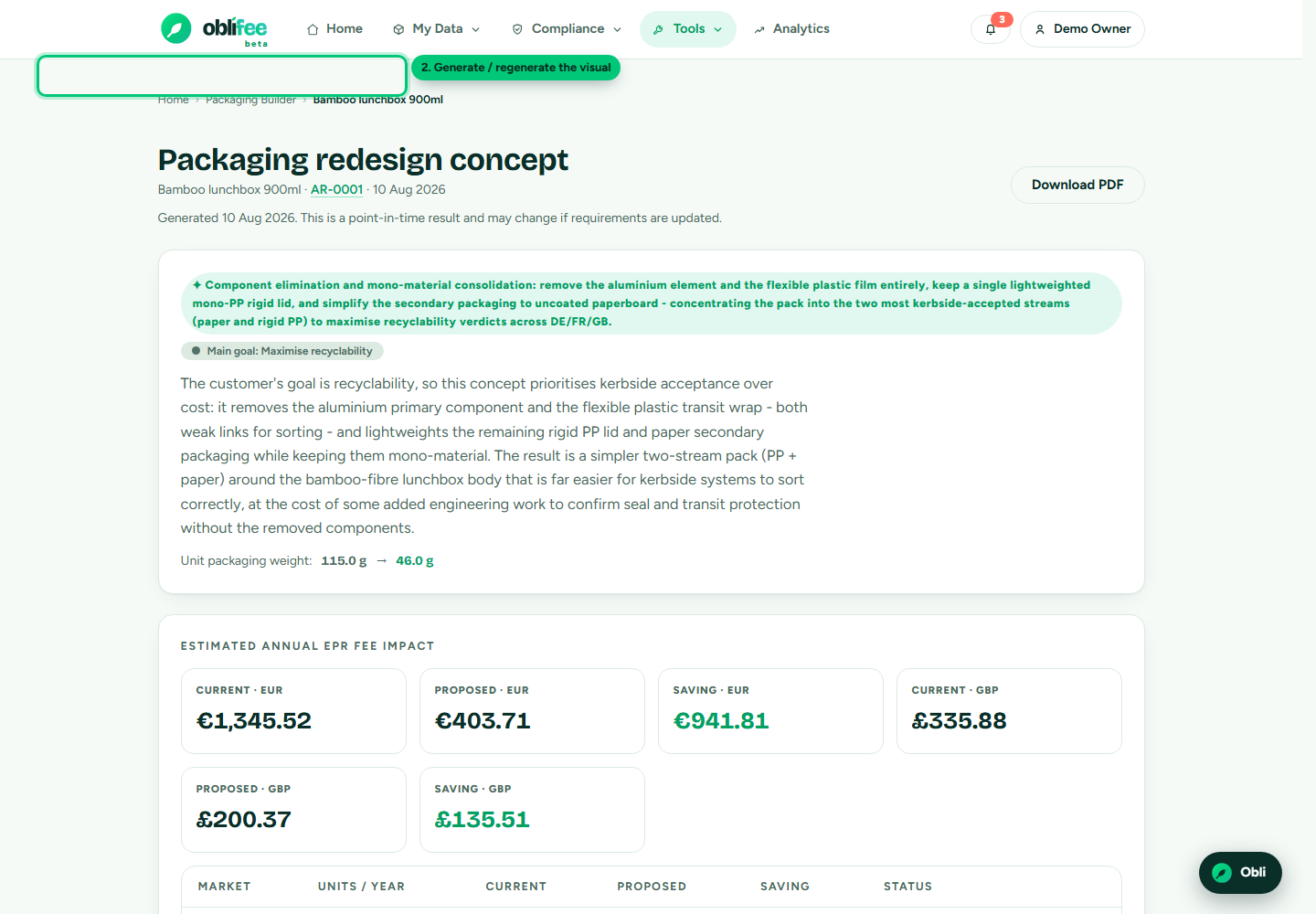
- On the concept page, find the pack visual card and select Generate.
- Wait a moment - the render takes the better part of a minute, so it is produced on demand rather than as part of the run.
- The current and proposed packs appear side by side. The proposed image carries an illustration label wherever it appears.
:::warning What the visual is - and is not The visual is derived only from the changes the re-pricing actually made, and it is checked to make sure it never puts branding on the pack that was not on your artwork - a failed check discards the image rather than showing invented marks. It is not dimensionally faithful and must never be read as a spec. The numbers on the page come from the re-pricing, not from the picture. :::
A few practical limits:
- Generating a visual uses one of your monthly AI generations.
- It needs a PNG or JPG of the pack. A PDF works for the analysis but not for the visual.
- A concept that changes weights only within the same material has no visible change to show, so no visual is offered.
- If your uploaded pack is a plain render or dieline with no branding of its own, the visual may be discarded for want of a mark to reproduce - try again with a photo of the finished pack.
Exporting the redesign PDF
Select Export PDF to download a branded document of the concept - summary, fee impact, proposed build, risks and validation checklist, with the same honesty framing as the page. It is handy for sharing with a converter, a client or a colleague who does not use Oblifee.
:::note Trial workspaces cannot export While your workspace is on a trial, PDF export is disabled and you are sent to billing. Choose a plan to enable exports. See Plans & modules. :::
Where to go next
- The builder - run another concept or change the goal.
- Recyclability (RAM) - how the UK rating change is derived.
- Analytics & reporting - see identified savings roll up.