Improving a score
A red or amber RAM rating is a recurring cost on every UK unit you place on the market. This page gives you practical ways to move a product toward green - and shows how the Packaging Builder lets you test a change, and see its fee impact, before you commit to it.
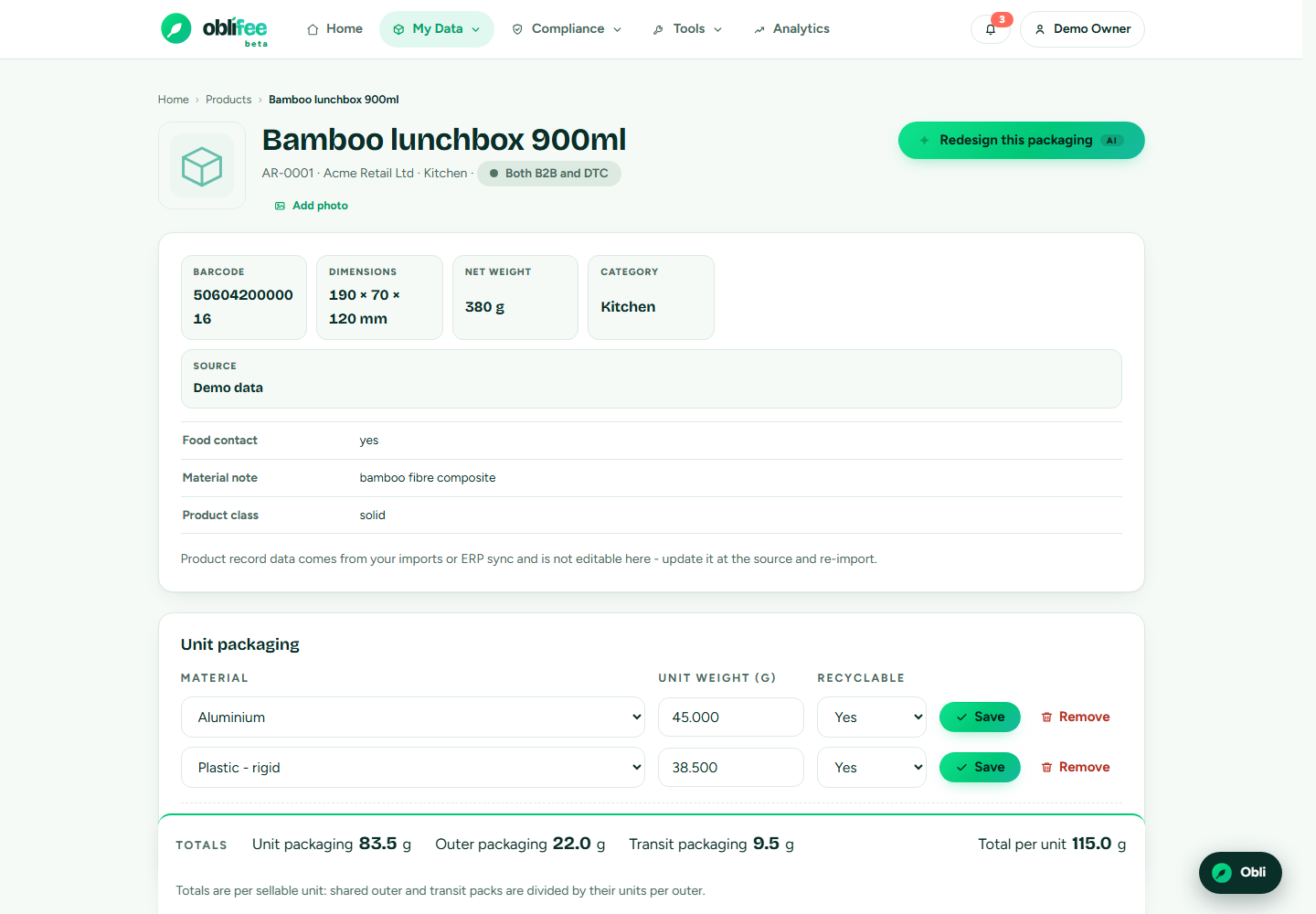
Read the card first
Open the product's RAM card and look at the per-component breakdown. Because any red component makes the whole pack red, the fastest route to a better rating is almost always to fix the weakest component, not to touch the ones already green.
| What you see | What to do |
|---|---|
| A 🔴 red component | This alone caps the pack at red. Prioritise it. |
| A 🟠 amber component | Conditionally accepted - a small change may make it green. |
| An ⚪ assess component | The material is unclear. Clarify it so it can be rated. |
Practical moves toward green
- Switch to an accepted material. Move a red component to a material family the brain rates green for its stage - the reference page lists each family's default.
- Simplify the construction. Multi-material laminates, metallised films and mixed-material closures are common causes of a red or amber rating. A mono-material equivalent often rates better.
- Avoid automatic-red triggers. Certain substances and constructions force an automatic red regardless of anything else - design them out.
- Resolve "assess" components. An unknown material can neither help nor prove a green pack. Record its actual material so it can be rated.
- Watch the weight balance. The green percentage is a share of graded weight, so making a heavy component green moves the headline more than fixing a light one.
:::tip Confirm against the source Each material family's rating on the reference page links to its GOV.UK citation. Confirm a proposed swap against the cited rule before you brief a supplier. :::
Test it in the Packaging Builder
You do not have to guess whether a change will work. The Packaging Builder lets you model an alternative pack - swap a material, change a weight, drop a component - and see the effect on both the RAM rating and the EPR fee side by side, before you change anything real.
Because the Builder reuses the same scoring engine and the same cited rates as the product card and your fee position, the rating and saving it shows are the numbers you will actually see once the change is live.
:::note A green rating earns its discount only once the pack changes Modelling a green pack shows the potential saving. The modulation applies to your real fee only when the product's packaging actually reflects the improved design. :::
Where to go next
- Packaging Builder - model a change and its fee impact.
- How RAM scoring works - why the weakest component sets the rating.
- Fees & eco-modulation - how green and red change your fee.