Shopify
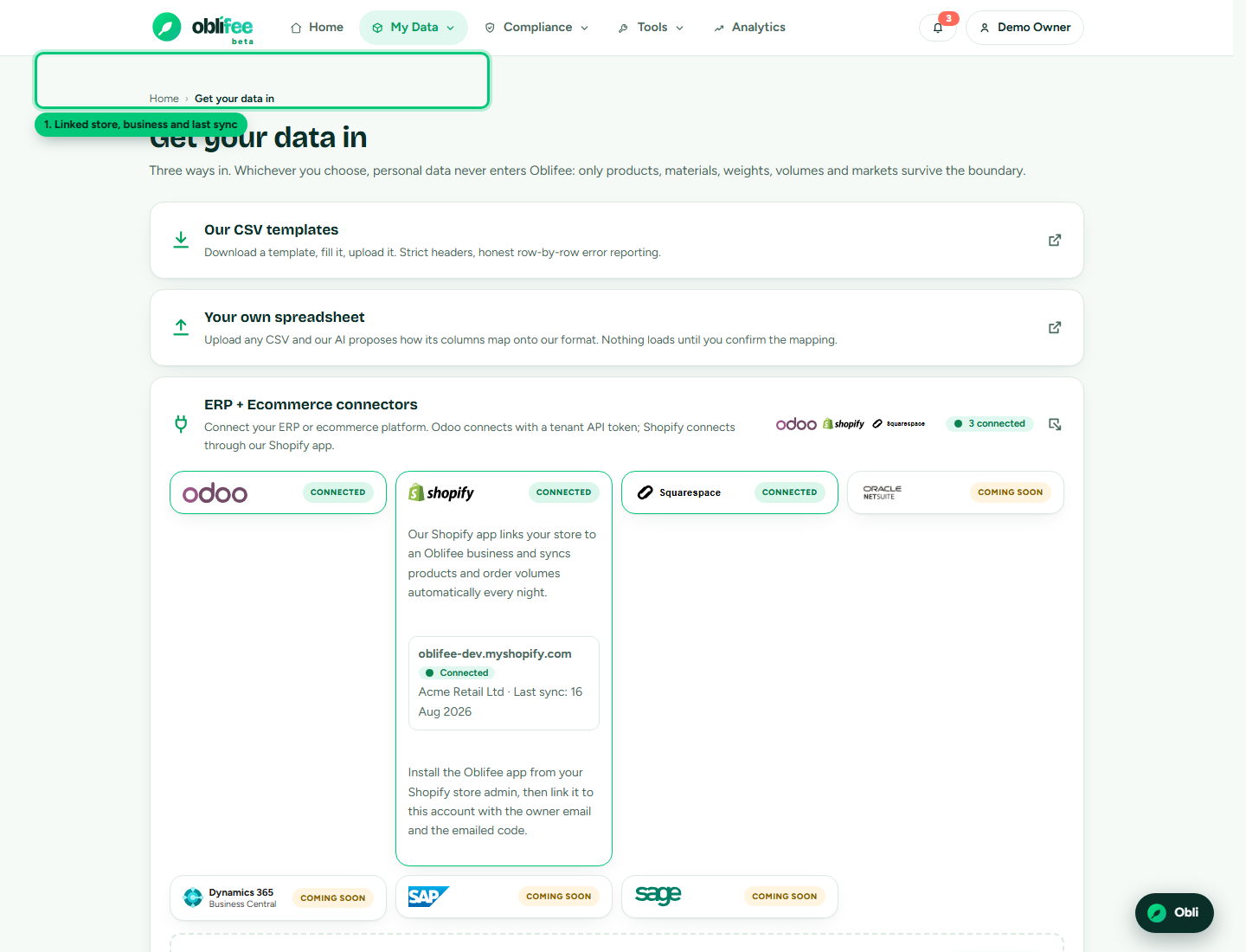
The Oblifee Shopify app keeps your compliance data current from the store you already run. Once installed and linked, it syncs your products and monthly shipped volumes into Oblifee every night - by shipping country - so your EPR position tracks what you actually place on each market. It reads only products and orders; it is not an order-management tool. This is part of the Connectors add-on.
What it reads
The app requests two read-only scopes - read_products and read_orders - and pulls only the
compliance fields from them:
| Synced | From Shopify | Becomes in Oblifee |
|---|---|---|
| Products | Product title, variant SKU, barcode and weight | A product per variant with an SKU |
| Volumes | Shipped orders, by shipping country and month | Monthly volumes per market |
It does not read customers, payment details or order contents beyond the aggregate shipped quantities. Each sync covers roughly the last year of shipped orders and uses replace semantics, so a re-run lands in the same place rather than doubling up.
Installing and linking
If you already use Oblifee
- Install the Oblifee app from Shopify and open it inside your Shopify admin.
- Choose that you already have an Oblifee account, and enter the owner email address of your workspace.
- Oblifee emails a 6-digit code to that address (valid 15 minutes). Enter it in the app to prove you control the account. For your security, the app never reveals whether an email is a customer; an owner match is what lets the link complete.
- Once linked, pick which business in your workspace the store's data should load into.
That's it - the store is linked and the first sync runs overnight.
If you are new to Oblifee
New merchants subscribe from inside the app, billed through Shopify (never sent off-platform to pay, per Shopify App Store policy):
- Open the app and choose to create an account.
- Pick a plan and confirm your company, email and country. The app pre-fills what it can from your shop profile.
- Approve the subscription charge in Shopify. Approving it provisions your Oblifee workspace with a free trial, creates your first business, and links the store.
- Go to oblifee.app and sign in with the same email address - first time, choose "Create one" (or use the matching Google account). Your owner access activates automatically on first sign-in.
Shopify billing
When you subscribe through the app, Shopify is the source of truth for the money, exactly as Stripe is for accounts that sign up on the web. Oblifee mirrors your subscription status from Shopify:
- Your plan starts in a free trial; it becomes active when the trial ends.
- If a charge is frozen, declined, cancelled or expires, Oblifee updates your plan status to match.
- Uninstalling the app cancels the Shopify-billed subscription.
Manage or change a Shopify-billed plan from the app; see Plans & billing for how plans and add-ons work.
Uninstalling
Uninstall the app from your Shopify admin at any time. When you do, Shopify notifies Oblifee, which:
- Discards the stored access tokens for your store, so no further data can be read.
- Marks the store uninstalled and stops the nightly sync.
- Cancels the Shopify-billed subscription tied to that install.
Your workspace and the data already synced remain in Oblifee. Reinstalling re-establishes the link. Shopify also sends Oblifee the mandatory data-request and redaction webhooks; because Oblifee stores no customer personal data from Shopify, those are acknowledged and logged. See Webhooks for exactly what each one does.
:::info Authorised in Shopify, revocable anywhere The connection is an OAuth grant you approve in your Shopify admin. You can revoke it there by uninstalling, and the sync stops the same day. :::
Where to go next
- Integrations & API overview - all the ways to connect.
- Webhooks - the uninstall and data-request events Shopify sends Oblifee.
- Volumes - how synced quantities drive your fees and thresholds.
- Squarespace - the equivalent for Squarespace Commerce.