Using Obli
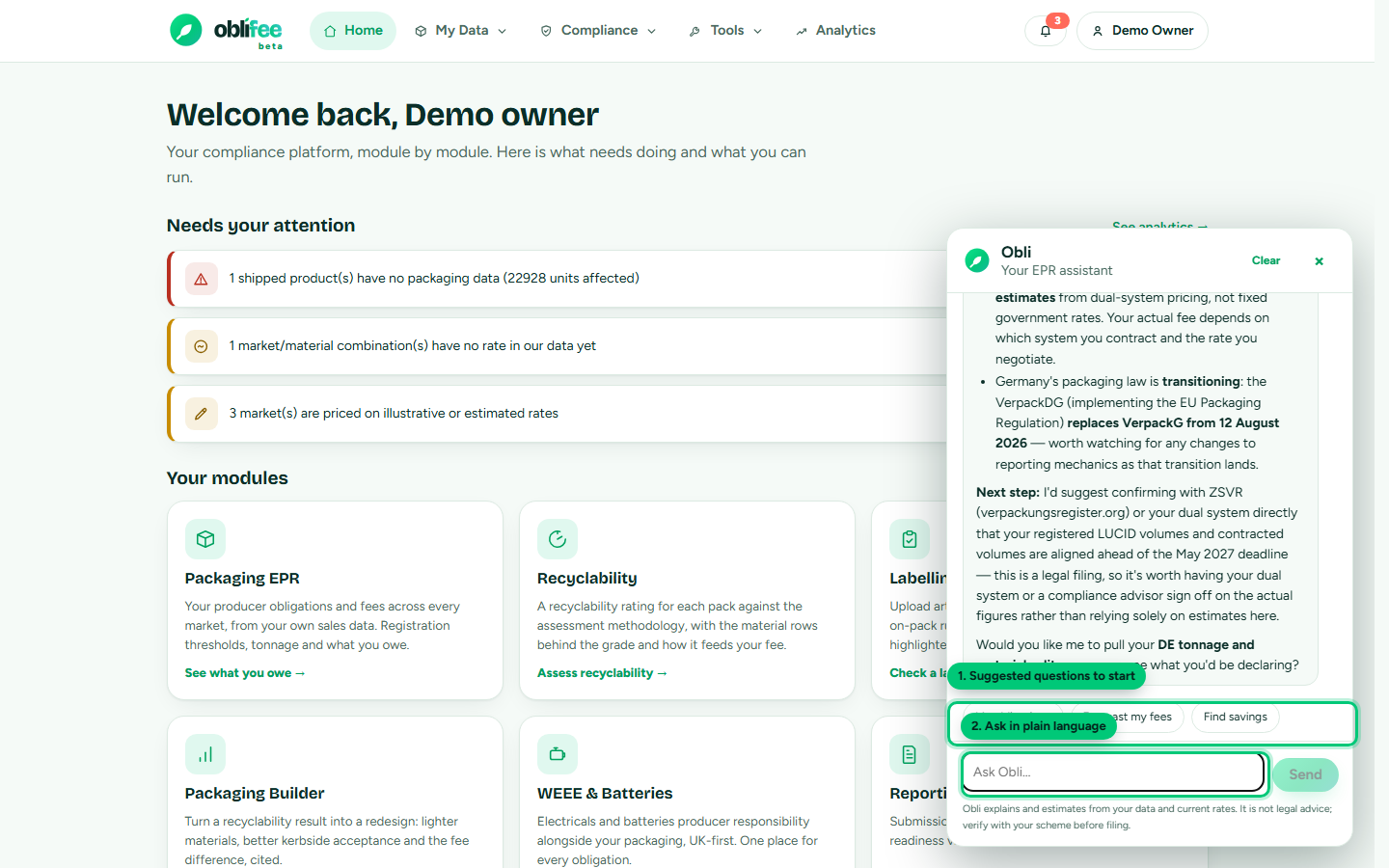
This page is a practical guide to getting good answers out of Obli. Open it from the Obli button on any portal page, type a question, and it replies grounded in your own data.
Good questions to ask
Obli is strongest on questions about your own position and the rules that apply to it. For example:
| You want to know | Ask something like |
|---|---|
| Your overall position | "Give me a summary of my current position." |
| A single market's cost | "What are my estimated fees in Germany this year?" |
| What is due, and when | "What obligations do I have coming up in the next 45 days?" |
| How to register | "How do I register for packaging EPR in France?" |
| The year ahead | "Project my fees for the next 12 months at my current volumes." |
| Where to save | "Where are most of my fees coming from, and how could I reduce them?" |
| A market's rules | "What are the current packaging rates for Spain, and how confident are they?" |
How to phrase them
- Name the market when you mean one - "in Italy", "for GB" - so Obli looks up the right rules.
- Ask one thing at a time. A focused question gets a focused, cited answer; a sprawling one can hit Obli's step limit for a single turn.
- Follow up in the same conversation. Obli remembers the recent thread, so you can say "and what about France?" after asking about Germany.
- Ask for the source. "Which rule is that based on?" - Obli quotes the confidence status and points at the regulator.
:::tip Start from a chip or an "Ask Obli" button The Obli panel offers suggested chips to get you going. And around the app - on the analytics dashboard, markets and obligations - Ask Obli buttons open the panel with a relevant question already filled in, such as an explanation of a specific market. :::
How Obli points you to the right place
Obli is designed to hand you off, not to be a dead end:
- For anything you would file, it points you at the regulator or a professional rather than giving binding advice.
- For actions, it names the screen to use - for example the Packaging Builder to model a cheaper pack, or Registrations to act on registration guidance.
- It also links the exact documentation page that walks you through the steps - ask it "how do I..." and it will point you here.
What to expect back
- Answers stream in as Obli writes, with small status notes while it looks things up.
- Currency figures use each market's own currency, and estimates stay labelled as estimates.
- If you have hit the daily limit (50 messages per workspace per day), Obli tells you, and it resets the next day.
Where to go next
- Meet Obli - what Obli is and what it can answer.
- How Obli stays grounded - the tools, citations and privacy.
- Analytics & reporting - the numbers Obli reads.