Your workspace
Your workspace is the boundary around everything you own in Oblifee. Your products, packaging, volumes, businesses, brands, team and settings all live inside it, and nothing in it is ever shared with another workspace. This section covers the parts of the workspace you set up and manage.
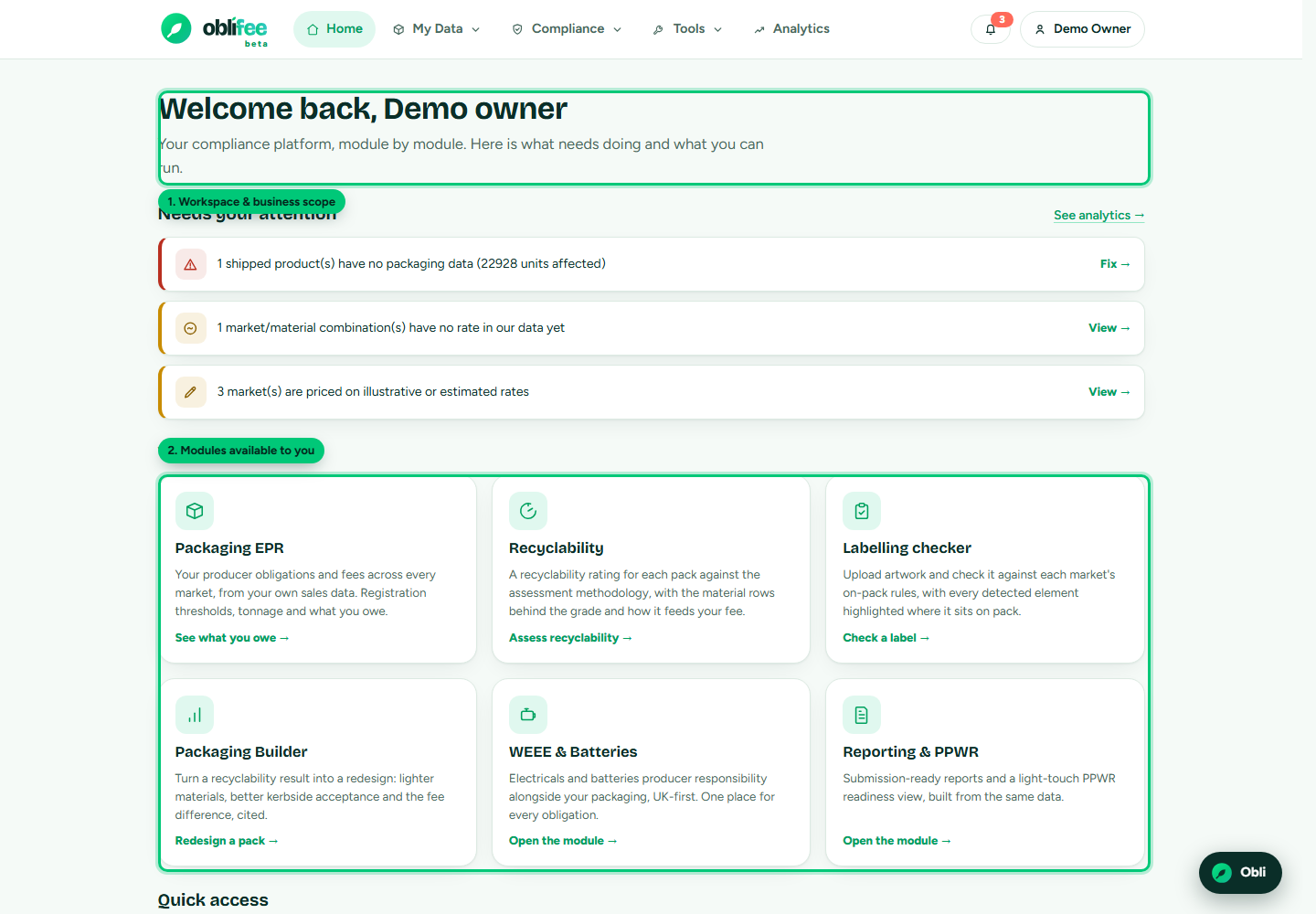
What a workspace holds
| Part | What it is | Page |
|---|---|---|
| Businesses | The legal entities that place goods on the market. | Businesses |
| Brands | Trading identities that can span several businesses. | Brands |
| Team | The people who can access the workspace, and what each may do. | Team and roles |
| User settings | Your personal appearance, language and notification preferences. | User Settings |
Alongside these sit your data (products, packaging, volumes) and your compliance modules, which are documented in their own sections.
Who can manage what
- Owners and admins manage businesses, brands, team and billing.
- Members work with the data and compliance pages but do not change the workspace itself; they can be limited to specific businesses.
Roles are explained in full on Team and roles.
One person, several workspaces
You can belong to more than one workspace - for example a consultant looking after several clients, or a colleague who works across group companies. When you do, a workspace switcher appears in the top bar. See Switching workspaces.
Where to go next
- Businesses - add and manage your legal entities.
- Brands - set up brands and link them to businesses.
- Team and roles - invite people and set what they can do.
- Switching workspaces - work across several workspaces.
- User Settings - theme, language and notifications.