Switching workspaces
One Oblifee account can belong to several workspaces. A consultant looks after many clients; a colleague may work across group companies that each keep their own workspace. When you belong to more than one, Oblifee gives you a quick way to move between them.
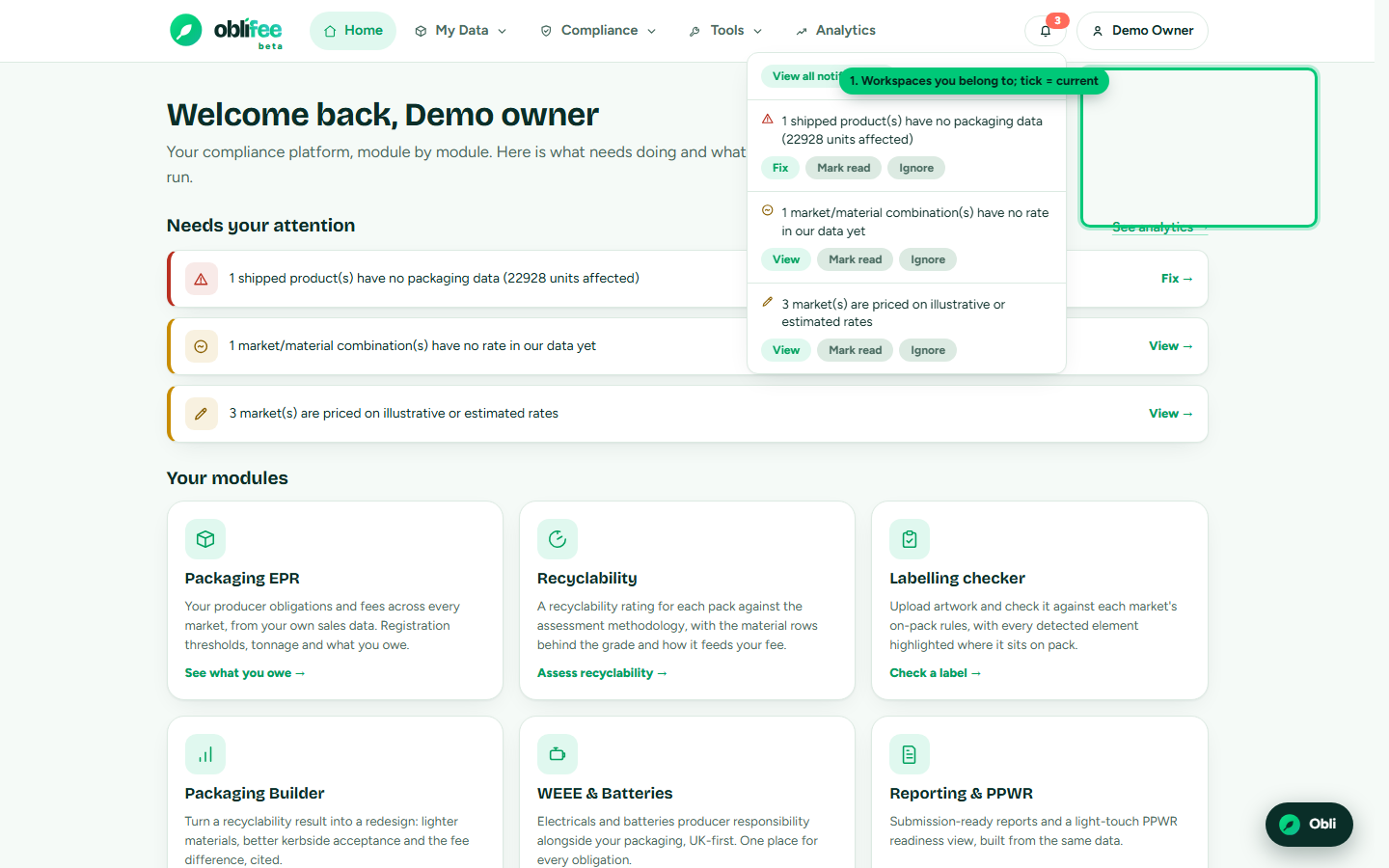
How belonging to several workspaces works
Each workspace is completely separate: its data, team and settings never mix. Being a member of several simply means you can open each in turn. You always have one active workspace at a time - the one whose data every page is showing.
Using the workspace switcher
The switcher appears in the top-right of the bar only when you belong to more than one workspace.
- Open the workspace switcher in the top bar (it shows the current workspace's name).
- Choose the workspace you want.
- Oblifee reloads into that workspace; a tick marks the one you are in.
Your choice is remembered, so you return to the same workspace next time until you switch again.
:::note Business scope resets on switch Switching workspace clears any single-business scope you had set with the business picker, since businesses belong to a specific workspace. Set the business scope again in the new workspace if you need it. :::
On a narrow screen the switcher moves into the collapsed menu behind the menu button, alongside the rest of the navigation.
The consultant workbench
If you look after several client workspaces, the switcher gets you between them one at a time - but the consultant workbench gives you the whole portfolio on one screen. It shows a compliance snapshot for every workspace you can reach - product, business and market counts, and where the gaps are - with a one-click jump into any client.
The workbench appears in the user menu when you belong to more than one workspace. For the full tour, see the Consultant workbench.
Where to go next
- Consultant workbench - manage many clients from one place.
- Your workspace - what a single workspace holds.
- User Settings - set your default business within a workspace.